Turtle Currency Strength Dashboard
See price position within Donchian channels across forex pairs in MT4. Compare channel periods or timeframes with the free Turtle dashboard.
What the values mean
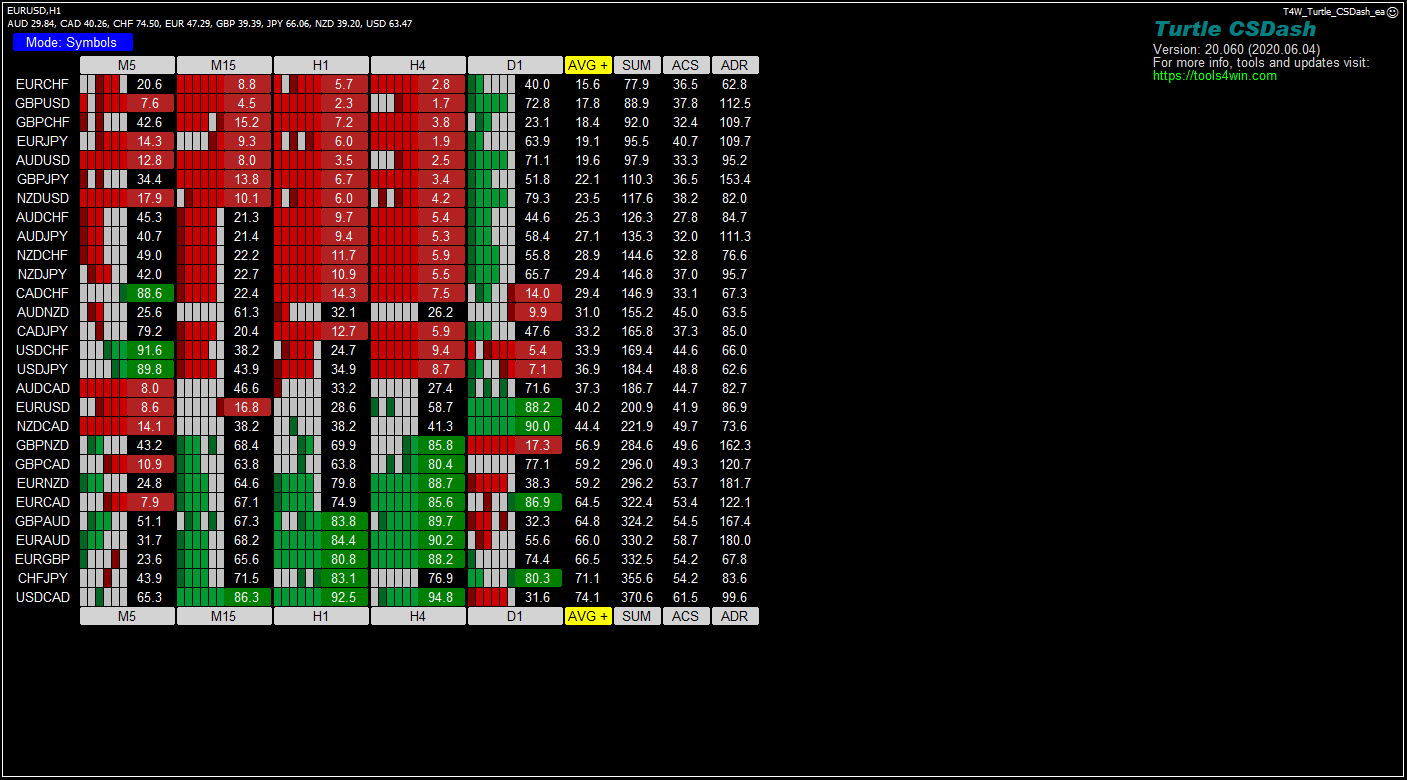
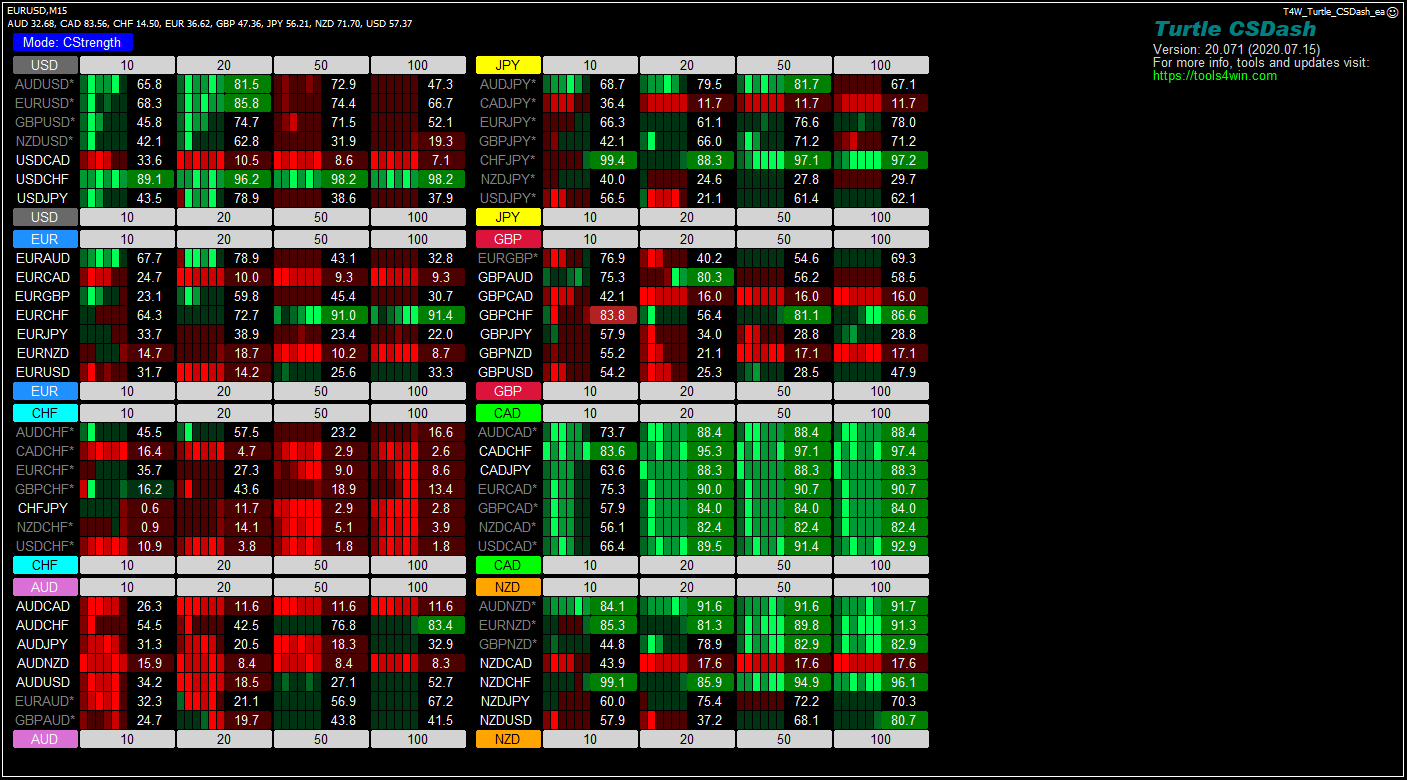
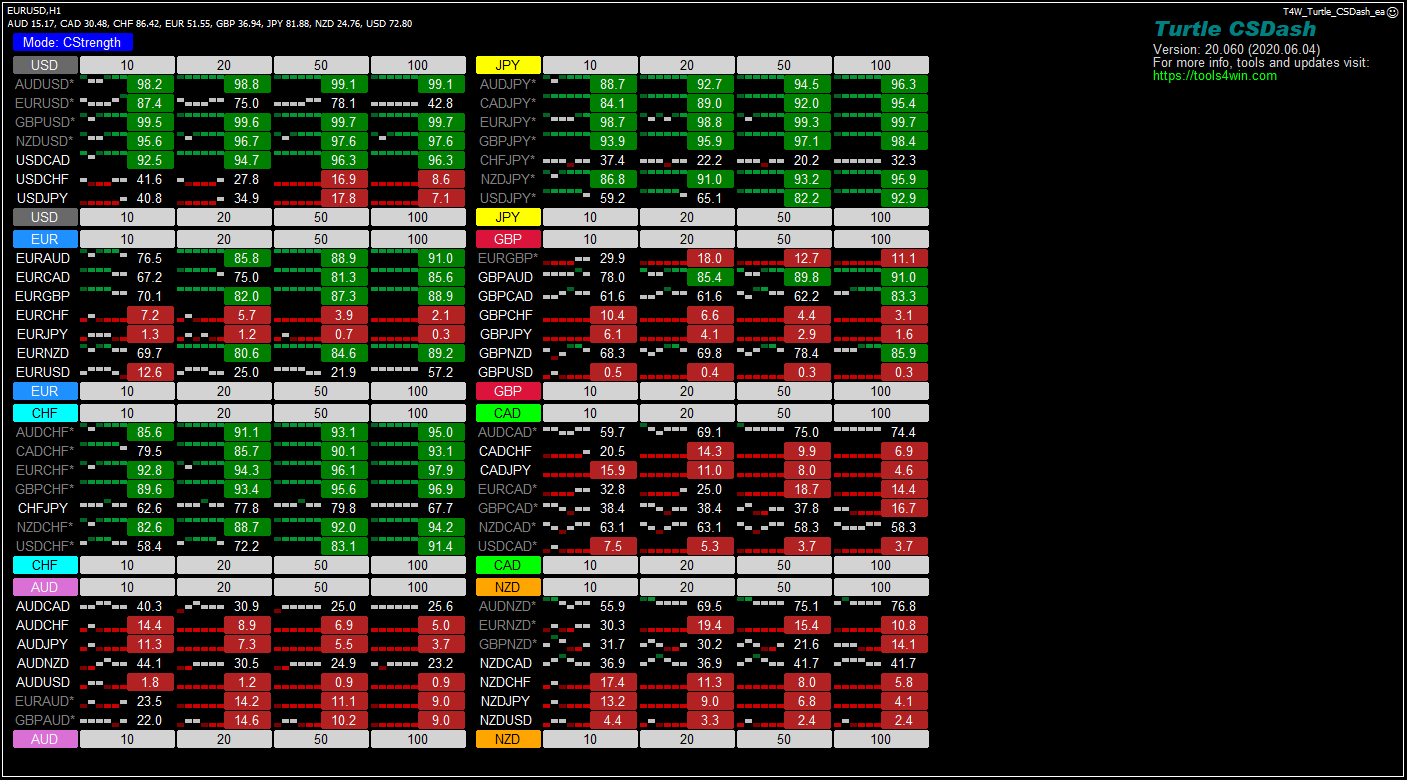
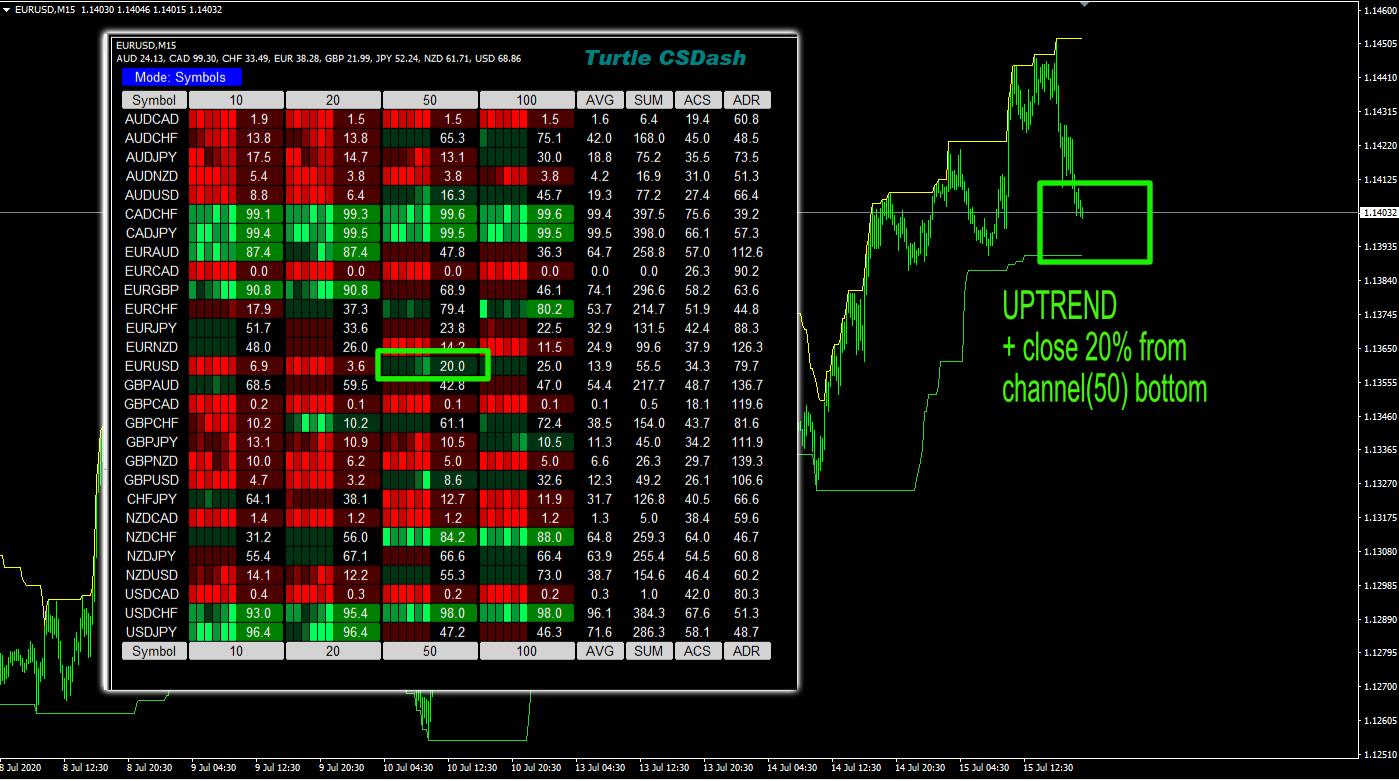
The Turtle dashboard measures the close within a Donchian channel: 100 × (close − lowest low) / (highest high − lowest low). A value of 0 is at the lower boundary, 50 at the midpoint and 100 at the upper boundary. The channel includes the bar being measured.
Periods versus timeframes
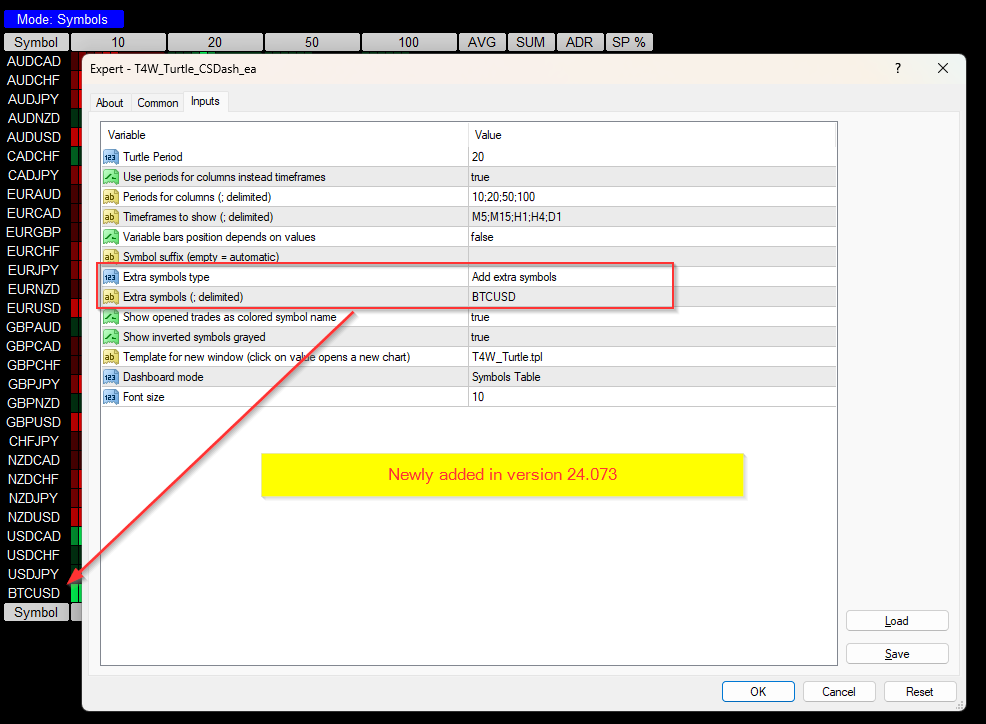
With Use periods for columns enabled, columns are lookback lengths on the chart timeframe. The default list 10;20;50;100 means four channel periods, not four timeframes. With this option disabled, columns use the Timeframes list and a common Turtle Period (default 20).
This is an analytical channel-position display. It does not implement a complete Turtle trading system. A boundary reading does not by itself confirm a breakout beyond the previous channel, and short or flat price history can make a reading unusable.
Main features
- Donchian channel position on a 0 to 100 scale.
- Switch between period columns and timeframe columns.
- Configurable channel length and period list.
- Currency/symbol views and recent-value strips.
- Version
- 24.073
- Released
- 2024-03-20
- Platform
- MT4
- Price
- Free
Download
Download ZIP
t4w_turtle_csdash_ea.zip
Version 24.073 (2024-03-20) · free, no account needed.
The ZIP contains the .ex4 file for MetaTrader 4, screenshots and installation instructions.
New here? Read the installation guide first.